
 Contact
 Login


Shade3D Ver.27 Overview
Shade3D is an integrated 3DCG application used for architectural visualization, interior design, product design and many other fields.
Bring your design sketches to life in 3D. Communicate your ideas clearly to colleagues in other departments.
Combining the flexibility of 3DCG with precise, CAD-like modeling, Shade3D helps you convey your ideas more realistically.

Product design

Interior design

Architectural visualization

20th 3D VR Simulation Contest
Essence Award — Akamatsu Co., Ltd.
PR and event exhibition design

Character design and CG illustration

Block UI Programming Tool

BIM/CIM Design Check Tool

SDK and plug-in development

Certification

Support for creating architectural BIM data

3D Parametric Tool

Shade3D AI Generation Tool

Fluid simulation
Explore feature details.
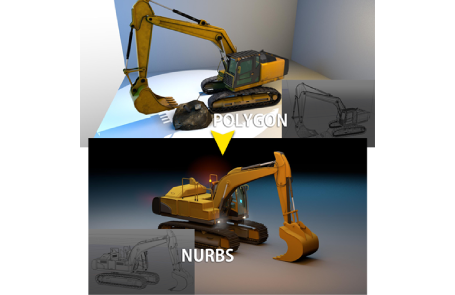
Find your favorite way to model
There are many ways to create the same shape. Shade3D combines free-form surface, NURBS and polygon modeling, so you can choose the approach that works best for you.
Pursue photorealism with rendering
Apply colors, patterns, transparency and other material properties to your 3D models. Add lighting, including sunlight, to bring your ideas to life in styles ranging from photorealistic images to illustrations.

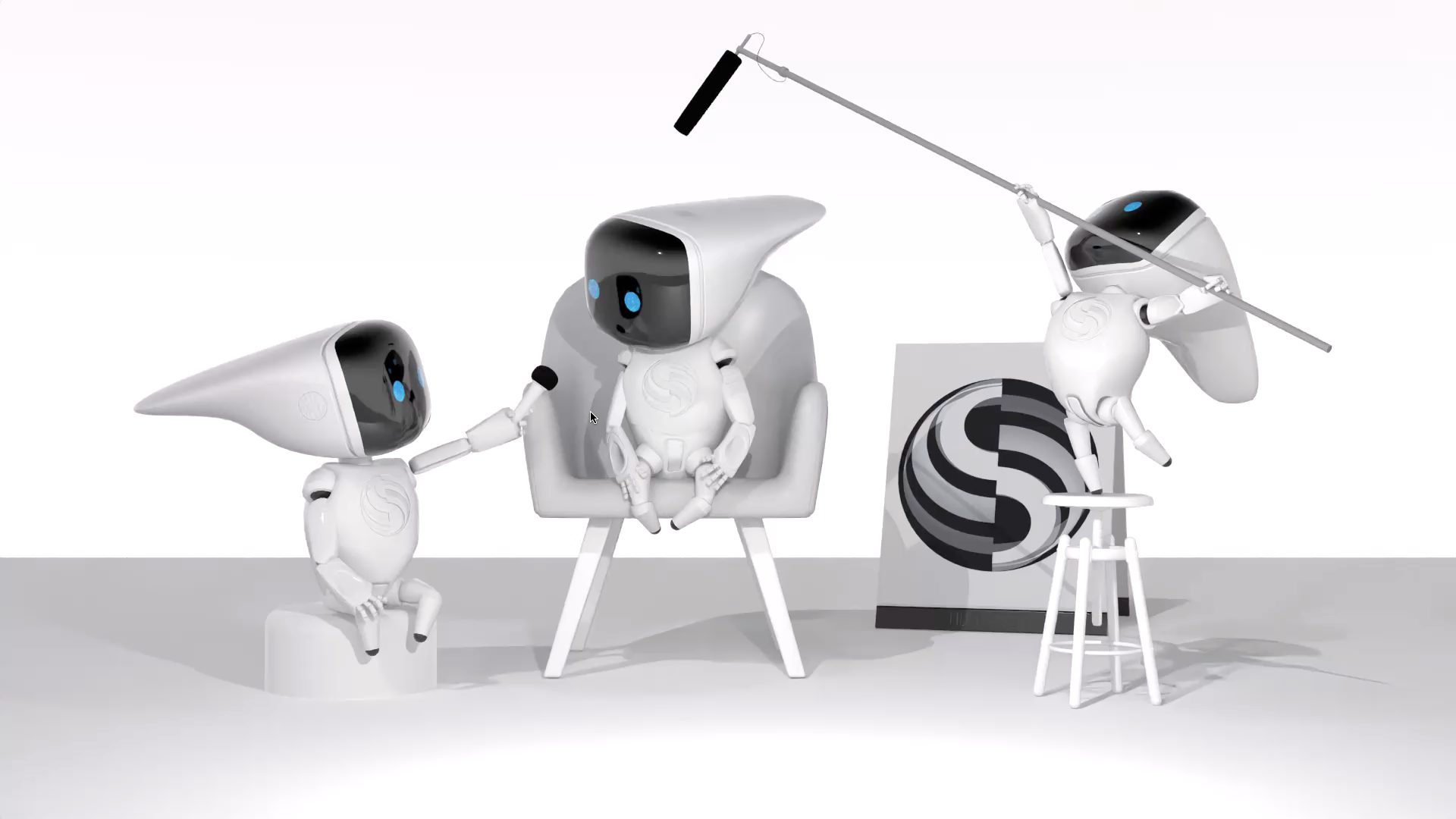
Create moving images with animation
Animate characters with simple movements, or use physical simulations to represent effects such as fire, smoke and collisions between objects.
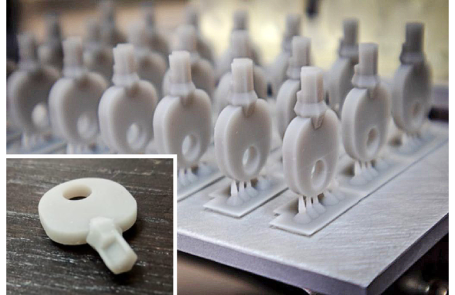
Bring 3D printing closer
The 3D Print Assistant automatically checks for errors and corrects models, making 3D printing more accessible.
Studio 影侍
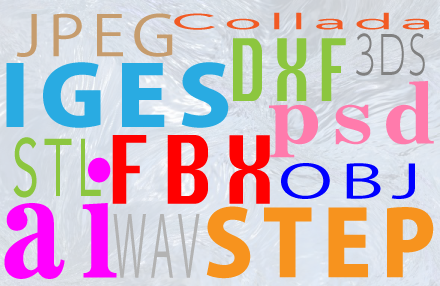
Work with a wide range of file formats
Exchange data with applications ranging from 2D graphics software to 3D CAD. See the file-format section of the feature comparison for details.