
 Contact
 Login


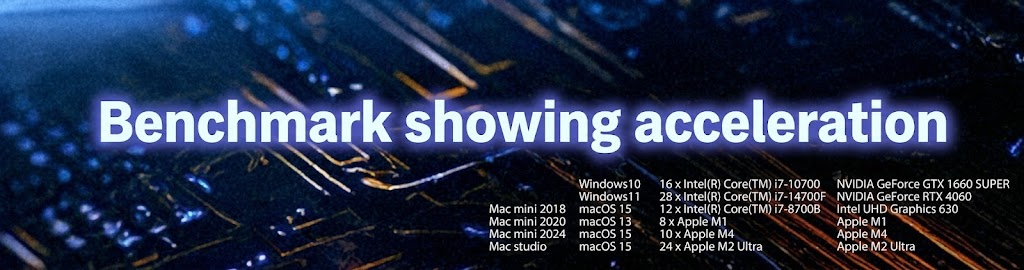
Shade3D has supported native Apple silicon operation since Ver.21, delivering rendering speeds at least 1.35 times faster than operation through virtualization middleware.
Achieve performance beyond previous Macs without special configuration changes.
GPU ray tracing (since Ver.22) and GPU AI denoising (since Ver.25) improve performance on powerful GPUs, especially for high-resolution rendering.
The following benchmarks use Shade3D Ver.26 to compare GPU ray tracing and GPU operation for AI denoising.
Explore Shade3D's powerful editing capabilities and comprehensive support.
For feature details, see the following websites.
About AI denoising
About GPU ray tracing
Note
GPU ray tracing and GPU AI denoising require compatible hardware.
See the following website for details.
Feature comparison by edition
System requirements
• Test data
 |
 |
| Scene information for the test file | |
|---|---|
| Object count | 286 |
| Lights | 9 |
| Camera | 2 |
| Master materials | 49 |
| Images | 156 |
| Polygon mesh information | |
| Vertices | 152,032 |
| Edges | 216,459 |
| Faces | 903,780 | File information |
| File size | 1,906,070,943 bytes |
Test 1: rendering time with GPU ray tracing versus path tracing + global illumination
Rendering conditions
• Measure GPU ray tracing and path tracing with global illumination set to path tracing
| Rendering method | GPU ray tracing + global illumination: path tracing |
| Rendering method | Path tracing + global illumination: path tracing |
| Rendering resolution | 640x480 |
| Surface subdivision level | Normal |
| AI denoising | OFF |
| Computer | OS | CPU | GPU | GPU ray tracing [s] | Path tracing [s] | Difference [s] | Windows10 | 16 x Intel(R) Core(TM) i7-10700 | NVIDIA GeForce GTX 1660 SUPER | 24 | 59 | 35 | Windows11 | 28 x Intel(R) Core(TM) i7-14700F | NVIDIA GeForce RTX 4060 | 2 | 26 | 24 | Mac mini 2018 | macOS 15 | 12 x Intel(R) Core(TM) i7-8700B | Intel UHD Graphics 630 | 23 | 50 | 27 | Mac mini 2020 | macOS 13 | 8 x Apple M1 | Apple M1 | 10 | 45 | 35 | Mac mini 2024 | macOS 15 | 10 x Apple M4 | Apple M4 | 1 | 27 | 26 | Mac studio | macOS 15 | 24 x Apple M2 Ultra | Apple M2 Ultra | 1 | 12 | 11 |
|---|
Test 2: rendering time with GPU AI denoising on and off
Rendering conditions
• Compare rendering time with GPU AI denoising enabled and disabled
• Use 8K resolution to make the difference clear
| Rendering method | Path tracing |
| Rendering resolution | 7680×4320 |
| Surface subdivision level | Normal |
| AI denoising | ON |
| Computer | OS | CPU | GPU | GPU enabled [s] | GPU disabled [s] | Difference [s] |
|---|---|---|---|---|---|---|
| Windows10 | 16 x Intel(R) Core(TM) i7-10700 | NVIDIA GeForce GTX 1660 SUPER | 1667 | 1742 | 75 | |
| Windows11 | 28 x Intel(R) Core(TM) i7-14700F | NVIDIA GeForce RTX 4060 | 724 | 793 | 69 | |
| Mac mini 2020 | macOS 13 | 8 x Apple M1 | Apple M1 | 1183 | 1264 | 81 |
| Mac mini 2024 | macOS 15 | 10 x Apple M4 | Apple M4 | 695 | 739 | 44 |
| Mac studio | macOS 15 | 24 x Apple M2 Ultra | Apple M2 Ultra | 308 | 336 | 28 |