Contact
 Login


• Price
New license (1 year): JPY 110,000(JPY 100,000 excluding tax)Points: 1,000 pt
• System requirements
After purchase, the Shade3D AI Generation Tool can be used with Shade3D Ver.27 or later (Basic / Standard / Professional / Civil / Ultimate).
To obtain Shade3D Ver.27, please visit theUser Information pagefor details.
For purchasing this product or arranging a large-volume points contract, contact us using the inquiry form.
Contact us https://shade3d.jp/support/contact/ (Japanese)
• Try the Shade3D AI Generation Tool with complimentary points
 Customers with an active Shade3D subscription receive 30 pt per license.
Use these points to create several image or object variations with the AI Generation Tool.
Install Shade3D Ver.27, then open View > AI Generation Tool to try the product.
• Notes on using the Shade3D AI Generation Tool
The subscription service includes telephone support.
During the contract, you can purchase 800 additional points for JPY 55,000 including tax. Additional points expire when the subscription ends.
• AI image generation is random: identical prompts and images may produce different results each time.
• The AI interprets your prompts and images. Depending on the input, the result may differ from your intention.
About the Shade3D AI Generation Tool
Following F8-AI™ Help Support (F8-AI Chat), included since Ver.26, Shade3D now offers the AI Generation Tool as an optional add-on.
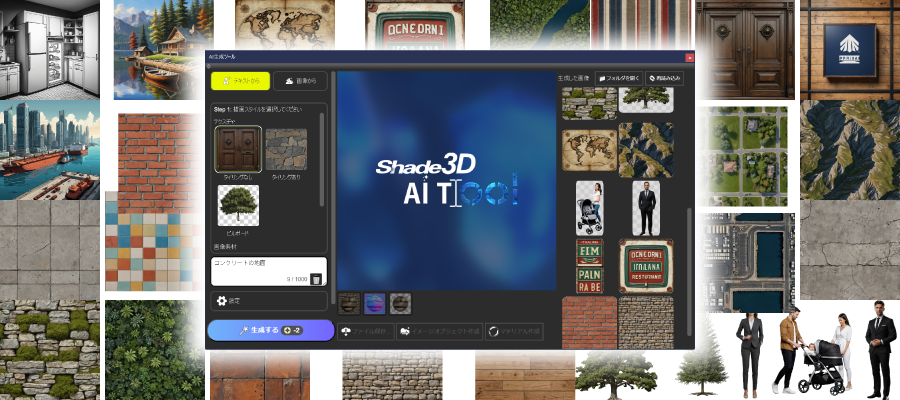
This AI system uses deep learning and diffusion models to generate texture images for the varied materials needed in 3DCG and metaverse assets.
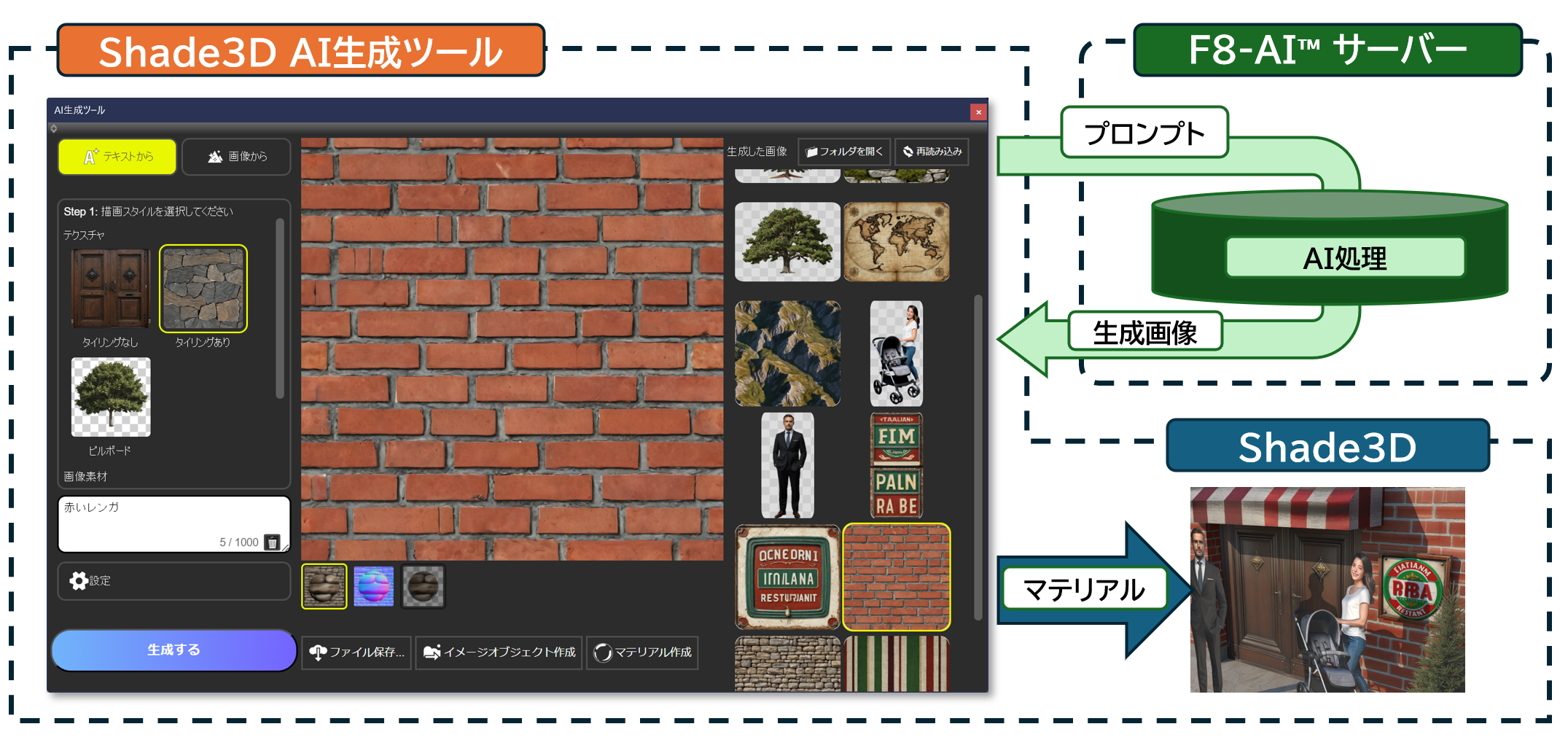
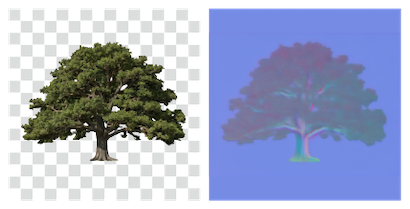
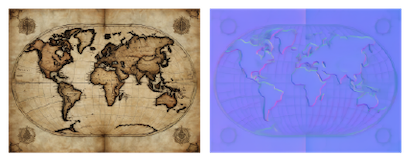
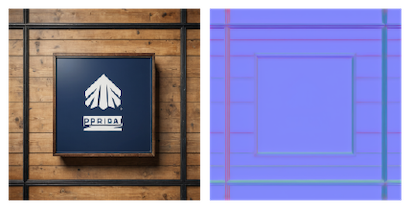
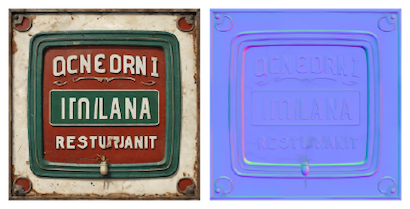
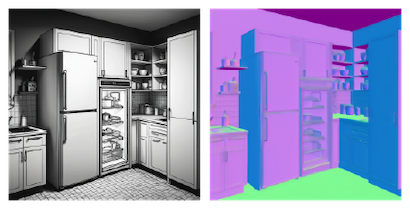
The interface is integrated into Shade3D. Import generated images into scenes or create configured materials and apply them to models. Normal maps are generated at the same time to reproduce fine surface relief. This streamlines material setup without sourcing, editing or converting image assets manually.
A high-performance server system generates images quickly, independently of the hardware running Shade3D, without requiring the powerful local GPU typically needed for AI.
Points used for image and 3D model generation
The points consumed depend on the selected drawing style.
For example, a tree billboard image uses 2 pt (standard mode), while a tiling brick texture uses 4 pt (high-load mode).
A contract includes 1,000 pt, consumed with each generation. Generating a tiling brick pattern uses 4 pt, leaving 996 pt.
Images cannot be generated when the balance reaches 0 pt. During the contract, add 800 pt for JPY 55,000 including tax.
Image generation points
| Drawing style | Points consumed |
|---|---|
| Image upscaling, depth-map conversion, normal-map conversion | 1pt |
| Image assets: objects, photorealistic, painting, illustration | 2pt |
| Textures: non-tiling, billboard | 2pt |
| Textures: tiling | 4pt |
3D model generation points
| Drawing style | Points consumed |
|---|---|
| Text to 3D model: uncolored | 8pt |
| Text to 3D model: textured | 20pt |
| Image to 3D model: uncolored | 6pt |
| Image to 3D model: textured | 18pt |
Generate textures from text
Generate from Text combines prompts with drawing styles. Create single images for signs, seamless tile or brick patterns, or transparent billboard images of people and plants. Photorealistic, painting and illustration styles also support general image generation, such as artwork for an interior visualization.
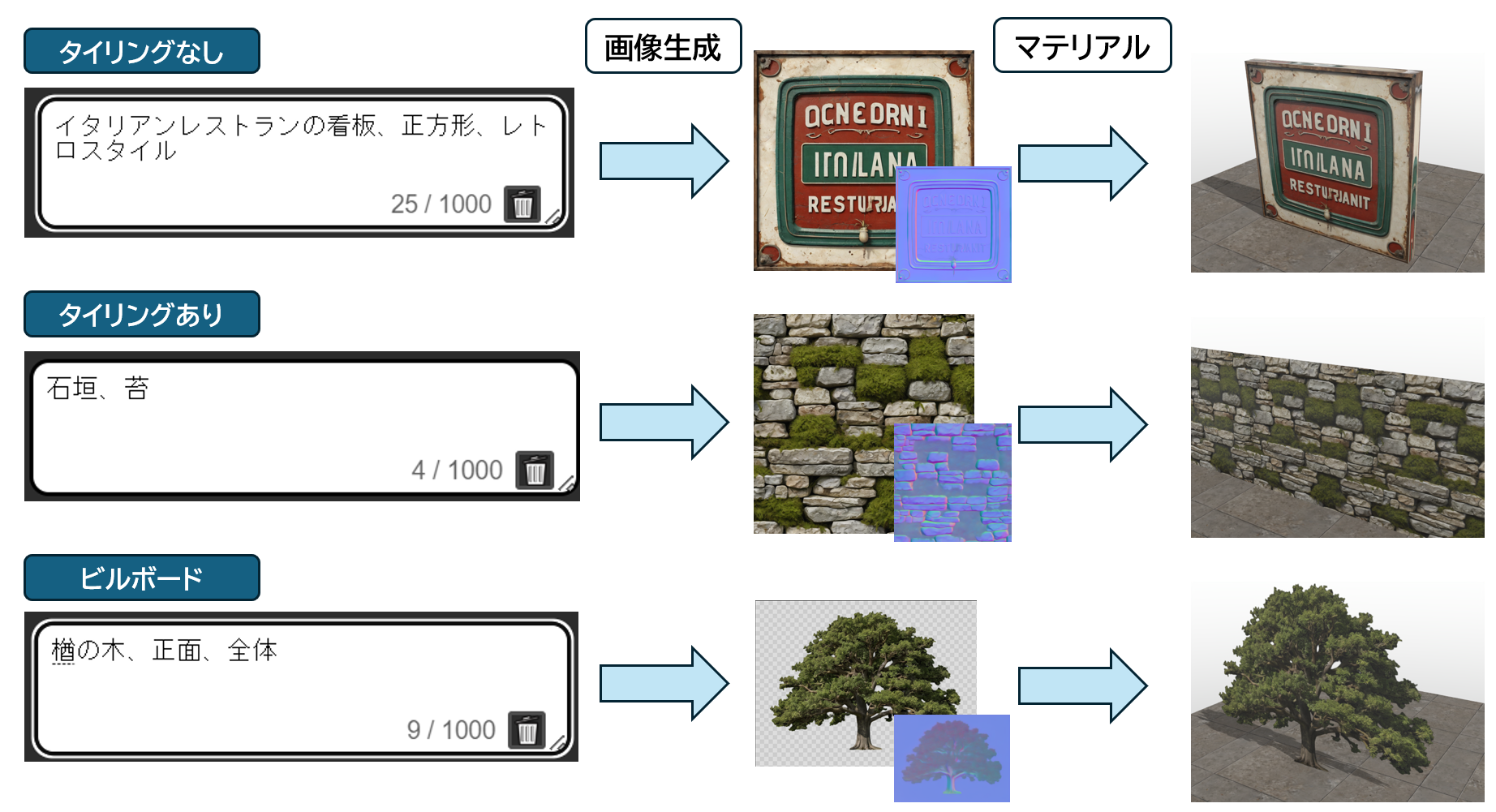 A text prompt is a keyword or instruction that the user enters to direct generative AI.
Image-to-image conversion
Generate from Image creates new images from existing ones. Convert color textures to normal or depth/bump maps to add relief to photographic materials. AI upscaling uses denoising and interpolation to produce sharp, detailed, high-resolution images, helping you make the most of limited source material.
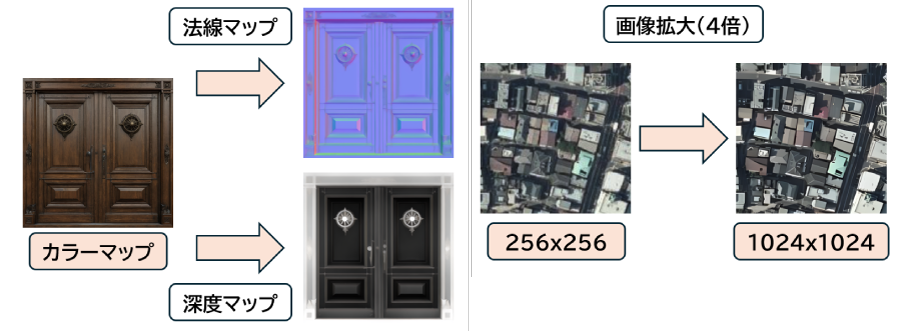
Generate 3D models from text and images
Generate from text
For buildings, specify in the prompt whether you want an interior or exterior view.
Models normally use an eye-level viewpoint. For a view from above,
include “bird's-eye view” in the prompt to guide the result.
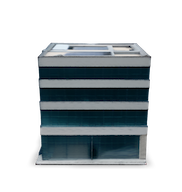
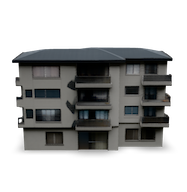
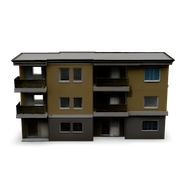
Prompt: “apartment building, exterior perspective.” Left: untextured; right: textured.
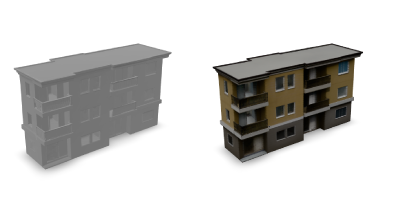
Generate from images
The central object in an image is recognized and turned into a 3D model. With multiple images, one model is generated for each image in a batch.
Many input images can consume substantial points and generation time. Check the image count and points before starting; these are shown on the Generate button and confirmation dialog.
Left: photograph; center: untextured; right: textured.
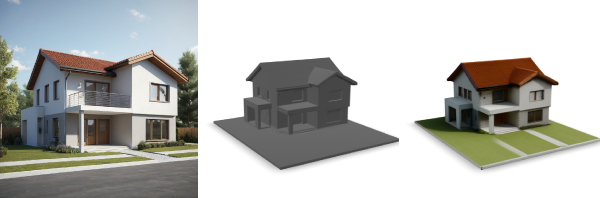
Examples
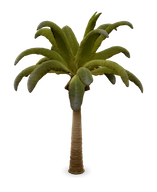
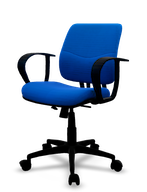
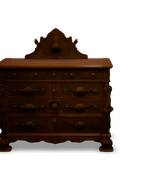
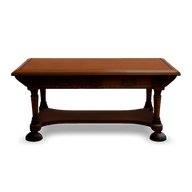
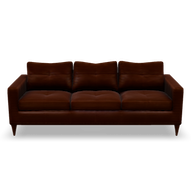
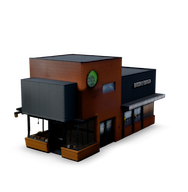
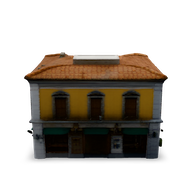
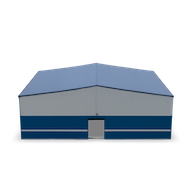
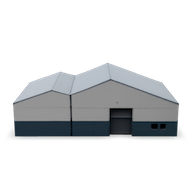
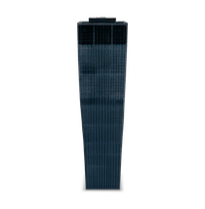
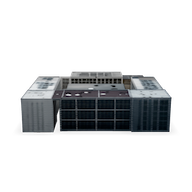
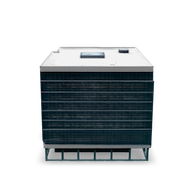
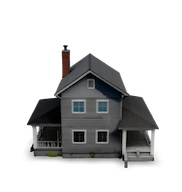
Metaverse assets often need real-time rendering on limited hardware such as smartphones. The tool helps create lightweight, high-quality models and textures quickly, from main assets to furniture, tableware, surrounding buildings, and tree or person billboards for architectural scenes.
Click below to view image and 3D model examples.
Image examples
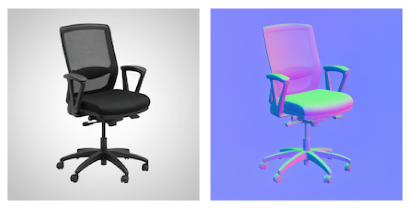
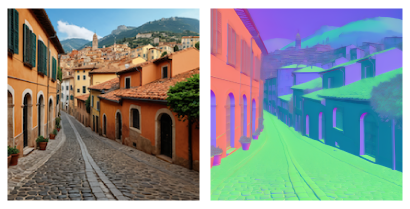
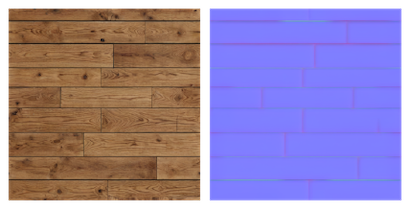
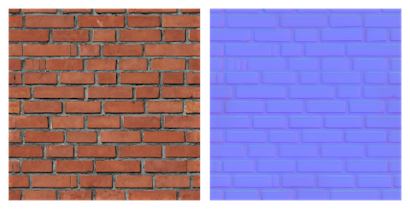
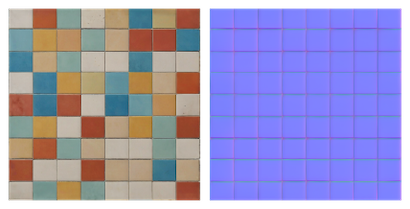
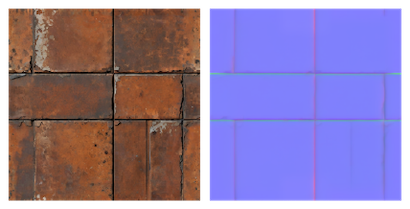
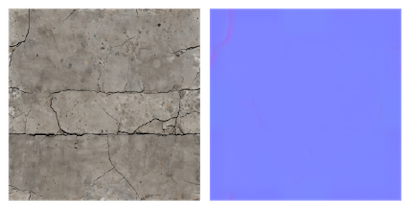
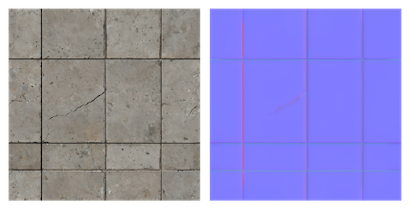
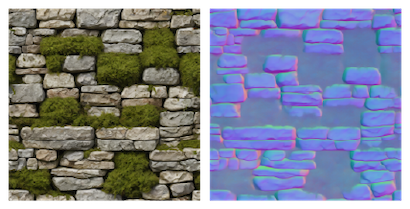
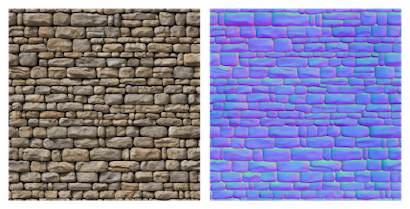
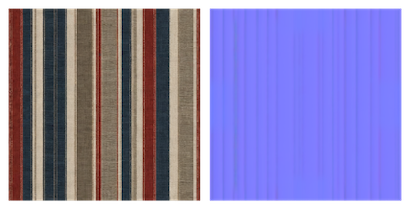
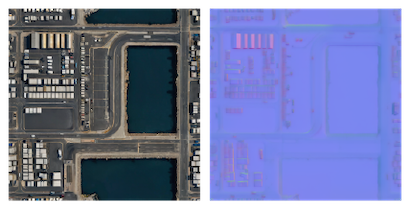
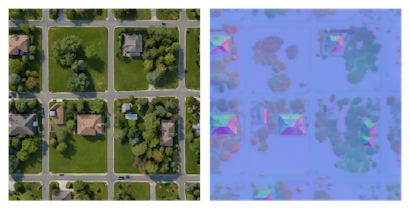
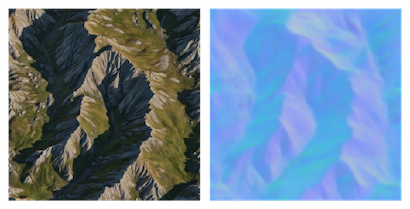
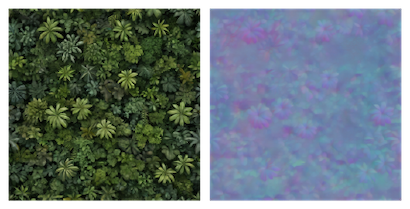
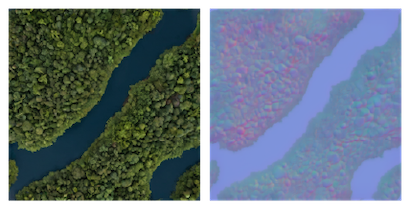
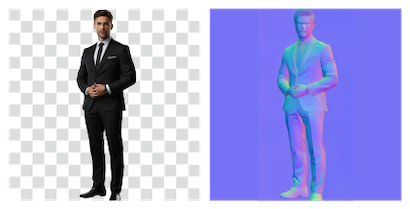
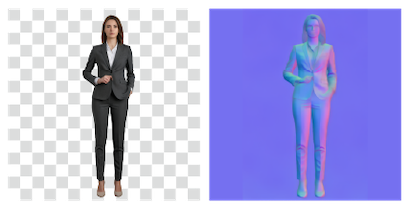
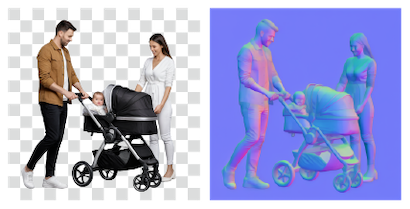
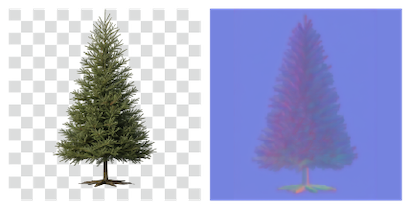

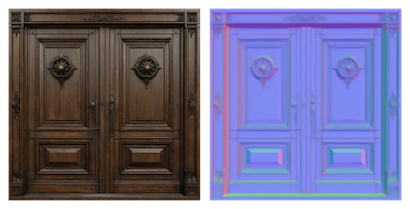
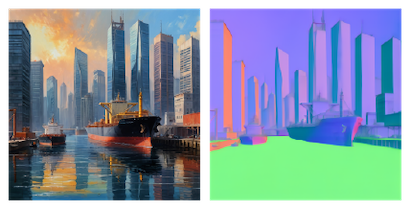
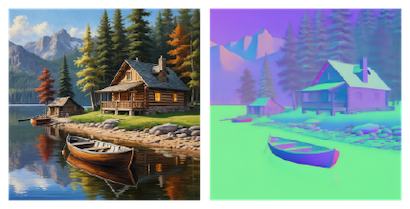
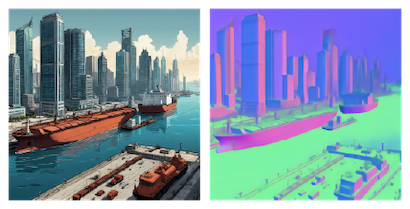
3D model examples
• Generate from text