
 Contact
 Login


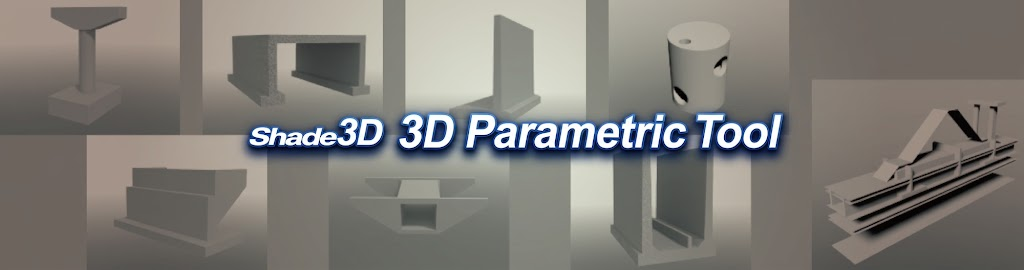
Generated models are added as objects to the Shade3D scene, supporting diverse visualizations and more efficient design work.
Export the generated objects in IFC or other Shade3D-supported formats, including DXF, FBX and glTF, for a wide range of uses.
| 3D Parametric Tool plug-in | |
|---|---|
| New license: JPY 88,000(JPY 80,000 excluding tax) | |
| For product details, contact us through our website. | |
| Contact us | https://shade3d.jp/support/contact/ (Japanese) |
| Note: This product requires Shade3D Professional Ver.25 or later. Included as standard in Shade3D Professional Ultimate and Professional Civil. |
|
Features and capabilities
Generate 3D parametric models
Easily generate 3D models of bridge substructures, earthworks and hydraulic structures.
Create models by specifying the dimensions of a basic model numerically.
• Bridge substructures

• Earthworks

• Hydraulic structures


Use the 3D model in Shade3D
Models are added as polygon meshes with IFC information. Set materials, lighting and shadows, and use rendering and animation.
Generated models can also be exported in Shade3D-supported formats, just like ordinary objects. See the following page for details.
Feature comparison by edition
Note: STEP/IGES export is not supported.

Edit model parameters
You can edit the parameters of a generated model even after confirming the tool operation.
Note 1: Edits made outside the 3D Parametric Tool are not retained when parameters are edited again.
Note 2: Flexible sluice models do not support parameter re-editing.

IFC import and export
The 3D Parametric Tool supports IFC import and export.
Use it in BIM/CIM workflows, exchange models with IFC-compatible products and share attributes when building models for overall simulations.

UC-1 parameter integration
Parameters used to create models in the UC-1 3D Parametric Tool can be transferred to the tool for further editing.
For integration, export the model from each application in IFC format.
Left: Shade3D 3D Parametric Tool; right: UC-1 3D Parametric Tool
