
 Contact
 Login


Shade3D Professional and higher editions provide physics-based fluid simulation in 3D space for realistic flowing water.
Add force fields such as attraction, repulsion, wind and vortices. Render baked mesh animations or view calculated particle-cloud results in real time.
Supported editions
Fluid simulation is available in Professional and higher editions.
Editing settings and saving parameters to scenes requires Professional or higher.
Basic and Standard can open Professional fluid scenes and replay sequence animations only. Replay supports polygon meshes, not point clouds.
For the edition comparison, seethis page
System requirements
Use the specified Shade3D Ver.27 Professional/Civil/Ultimate environment. Fluid simulation does not operate on Intel-based Macs.
For Shade3D Ver.27 system requirements, seethis page (Japanese)
Fluid simulation examples
Explore scenes created with fluid simulation.
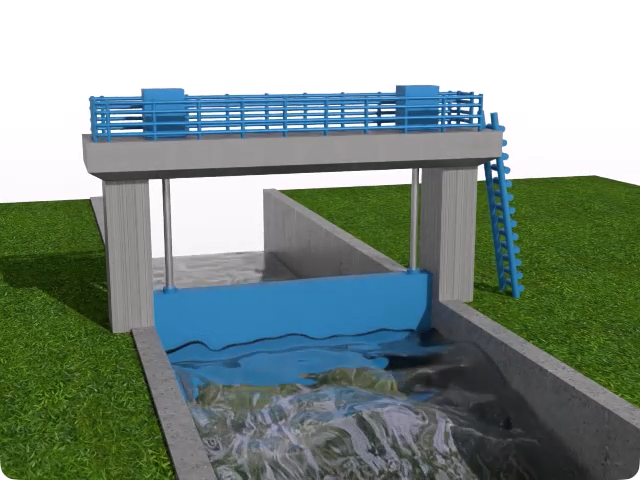
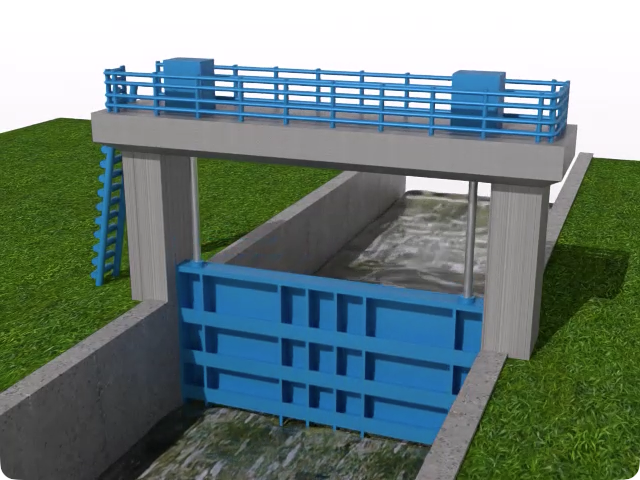
1. Stopping river water with a sluice gate
 ▶ Play video
 ▶ Play video
This animation shows water interacting with collision objects.
The simulation uses river terrain and an inlet to reproduce water being stopped by a sluice gate acting as a collider.
Animate the gate opening and closing vertically to show realistic water movement around the blocking 3D model.
The gate uses a 3D model from UC-1 Sluice Gate Design Calculation. See the following website for details.
Sluice Gate Design Calculation
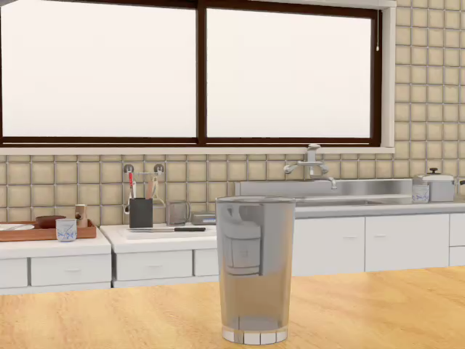
2. Pouring water into a glass
 ▶ Play video
An indoor fluid animation.
An inlet continuously introduces water into the simulation for a set period.
Set the inlet velocity to reproduce the parabolic flow of poured water.
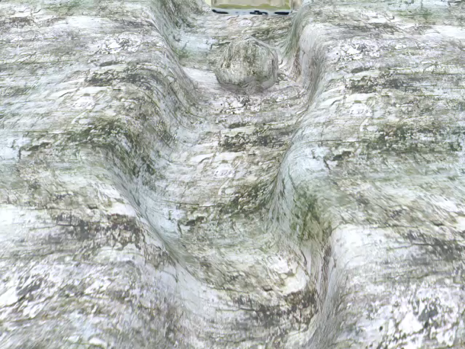
3. Water flowing down a river
 ▶ Play video
An animation of fluid following complex terrain.
Place an inlet upstream and use the river mesh as a collider to simulate water navigating bends and obstacles.
Tilt the river collider to produce downhill flow.
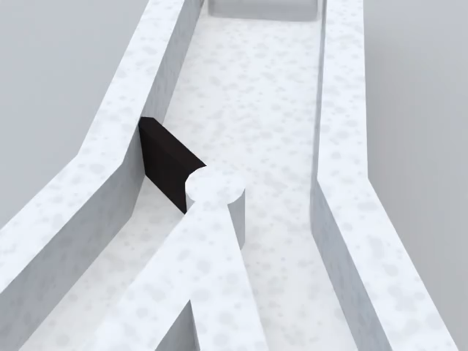
4. Animation with a moving collider
 ▶ Play video
Building on example 2, place an animated collider at a fork to redirect the flow.
Collision detection considers velocity and rotation of objects animated with joints or bones for realistic behavior.
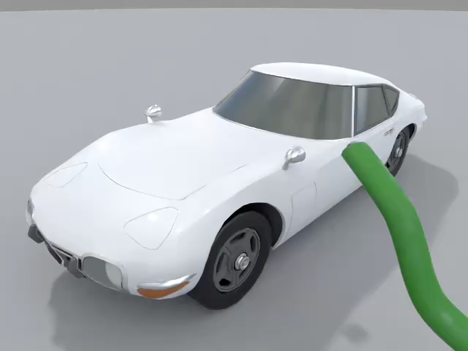
5. Spraying a car with water
 ▶ Play video
An example of realistic water animation.
Add a joint-animated inlet to spray water onto a car.
Set emitted-water mesh resolution and simulation grid resolution independently to create thin sheets or fine splashes.
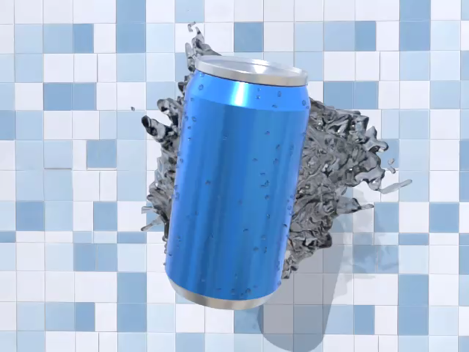
6. Background effect for a beverage can
 ▶ Play video
Guide fluid using attraction, repulsion, wind and vortex force fields.
Attract particles to a point, then disable the force field just before impact to let the water disperse naturally. The water is created as a background effect without colliders and placed behind the subject.